ChatGPT Business Profiles: is this the new Google Business Profile?
OpenAI now lets businesses claim an official profile inside ChatGPT. Here's what it is, how to claim it, what it can't do, and what Indian businesses should do this week.

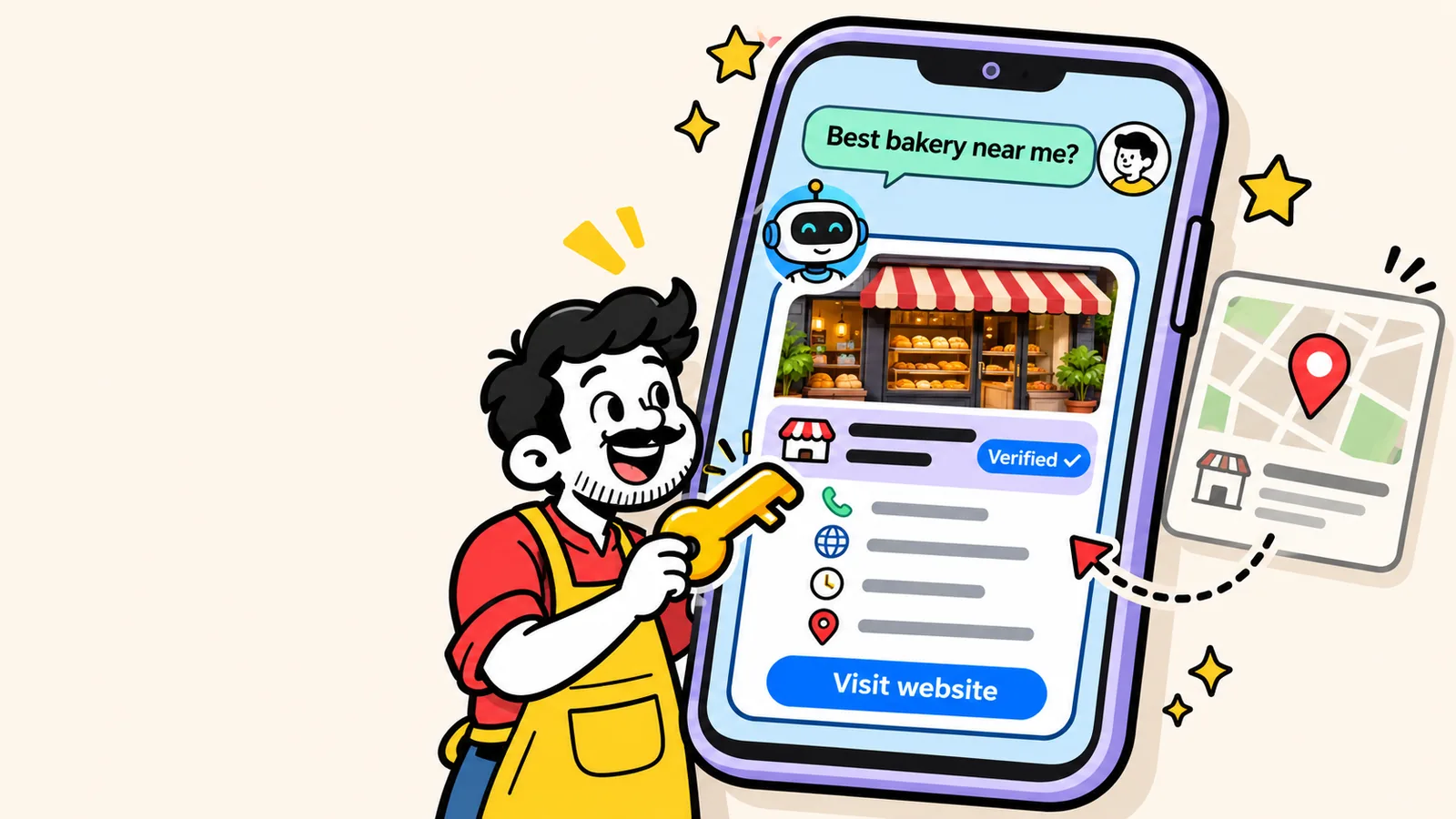
For twenty years, "getting found" meant one thing for a local business: show up on Google. You set up your Google Business Profile, collected reviews, added photos, and hoped to land in that map pack.
That habit is changing. More and more people now type their questions into ChatGPT instead: "good AC repair near Garia", "which bakery in Kolkata does custom cakes", "best digital marketing course with AI". Until now, ChatGPT pieced together its answer about your business from whatever it could find on the web, which sometimes meant an old phone number, last year's prices, or a competitor's name.
This month, OpenAI changed that. Businesses can now claim an official profile inside ChatGPT. If that sounds a lot like Google Business Profile, it's because it is, at least in spirit. Here's everything you need to know, without the hype.
What exactly did OpenAI launch?
On 10 November 2026, OpenAI announced Businesses in ChatGPT, rolling out in beta. It has three parts:
- Business profiles. A verified listing for your business that ChatGPT can use as a trusted source when people ask about you.
- Business Hub. The dashboard (at
chatgpt.com/business-hub) where you claim your profile, edit details, upload a product feed and see insights. - Business Agents. A chat agent on your profile that answers customer questions about your business and products, inside ChatGPT. Conversations with it are labelled and kept separate from the user's own chat.
OpenAI called it "an early step in bringing businesses more deeply into ChatGPT." Translation: this is version one, and it will grow.
ChatGPT business profile vs Google Business Profile
Here's the honest side-by-side, as things stand at launch:
| Google Business Profile | ChatGPT business profile | |
|---|---|---|
| Where it shows | Google Search and Maps | Inside ChatGPT conversations |
| Cost | Free | No fee listed at launch |
| Who can claim | Almost any business, worldwide | Eligible businesses where ChatGPT is available; local listings US-only at launch |
| Reviews | Yes, a core feature | No review system on the profile |
| Posts & offers | Yes | Not at launch; products via a feed |
| Chat with customers | Calls, messages, bookings | AI Business Agent (US online businesses first) |
| Insights | Views, calls, directions, searches | Mentions, profile views, website clicks, discovery topics |
The big difference: Google shows your profile as a box people look at. ChatGPT uses your profile as a source of truth when it writes an answer. You're not designing a listing; you're making sure the AI says the right things about you.
What you can put on your profile
From OpenAI's setup guide and early hands-on reviews, a profile includes:
- Business name (reportedly locked once claimed, so get it right)
- One category and a short description (early testers report a limit of about 300 characters)
- Contact details: phone, email and website
- Address and hours, set day by day
- Photos, shown as square crops; the first one becomes the cover
- Product feed with prices and availability, uploaded as a file, a hosted URL or via SFTP. Shopify stores can connect directly.
How to claim your ChatGPT business profile, step by step
1. Prepare before you click anything
Because a published profile can't be deleted, and your business name may not be editable later, prepare first. Write down your exact business name, address, phone, email, website, category, hours and a description under 300 characters. These must match your website and Google Business Profile word for word.
2. Open Business Hub
Log in to ChatGPT and go to chatgpt.com/business-hub. Search for your business. If you're an eligible online business and you aren't listed, you can add yourself.
3. Verify ownership
OpenAI verifies claims using your business phone, business email, a DNS record on your domain, or a Shopify login. Most features, including editing, insights and the verified badge, also need a second identity check run by a partner called Persona. Keep your government ID, business registration details and proof that you're authorised to represent the business ready.
Tip: use an email on your own domain (like hello@yourbusiness.com), not a Gmail address. It makes the link between you and your website obvious.
4. Wait for the review
OpenAI reviews each claim and emails you a decision, or asks for more information. Edits you make later are reviewed too, so a change may not appear instantly.
5. Fill in every field, then add products
Complete the description, hours, contact details and photos. If you sell online, add a product feed. A hosted feed URL is better than a one-time upload because it keeps prices and stock up to date on its own.
6. Watch your insights
Business Hub shows how often you're mentioned, how many people viewed your profile and clicked to your website, and "discovery topics": the themes of conversations where your site gets cited. Numbers only appear once there's enough activity. Note your starting point and check back every couple of weeks.
What it means for Indian businesses right now
Let's be straight about this, because a lot of posts gloss over it. At launch:
- Online businesses with a website (D2C brands, online stores, service providers, course creators, agencies) in regions where ChatGPT is available can claim or add a profile. That's where Indian businesses have the clearest path today.
- Local shops and restaurants can currently only claim an existing listing in the US. If you run a café in Salt Lake or a salon in Garia, you may not be able to claim a local listing yet.
- Business Agents are limited to eligible US e-commerce and online service businesses for now.
OpenAI has said it will expand to more countries and categories over time. When it reaches India, it will move fast, the way every Google feature does. The businesses that already have their information clean and consistent will be the ones ready on day one.
Even if you can't claim yet, it's worth opening Business Hub and searching for your business. Knowing where you stand costs nothing.
What a ChatGPT profile won't do
This part matters, so don't skip it:
- It doesn't guarantee recommendations. OpenAI says claiming a profile doesn't promise more visibility, and that ads don't influence its independent recommendations.
- It's one source among many. ChatGPT still reads your website, reviews, listings and mentions elsewhere. If those disagree with your profile, the confusion remains.
- It can't be undone. Published profiles can't be deleted. Only unpublished drafts can.
- It stops at your website. Orders, returns and payments still happen on your own site or store.
In other words: the profile makes your facts accurate. Whether ChatGPT actually recommends you still depends on how clear, consistent and trusted you are across the web. That's exactly what we cover in how to get recommended by ChatGPT, Gemini and Google AI Overviews.
Your checklist for this week
- Audit your Google Business Profile. Correct name, category, hours, phone, photos and fresh reviews. It's still where most local searches in India end up.
- Make name, address and phone identical everywhere: website, Google, Facebook, Instagram, Justdial, IndiaMART, everywhere.
- Write your 300-character description. What you do, for whom, and where. Use it on ChatGPT, and reuse it as your bio elsewhere.
- Let AI crawlers in. Make sure your
robots.txtallows OpenAI's crawlers (OAI-SearchBot, GPTBot and ChatGPT-User) so ChatGPT can read your site. - Add structured data (Organization or LocalBusiness schema, plus Product schema if you sell online) so your facts are machine-readable.
- Set up a business email on your domain and make sure you can edit your domain's DNS. You'll likely need one of them to verify.
- Open Business Hub, search for your business and claim it if you're eligible. If you're not yet, you're ready for when you are.
Our take
This is the first time an AI assistant has given businesses an official front door. It's early, it's limited, and it's US-heavy. But the direction is clear: just like Google Business Profile became non-negotiable, your presence inside AI assistants will too.
The good news is that the work that wins here is the same work that wins on Google: accurate information, a fast and clear website, real reviews and consistent details everywhere. Do that now, and whenever ChatGPT opens the door fully in India, you'll already be standing at it.
Frequently asked questions
What is a ChatGPT business profile?
It is an official listing for your business inside ChatGPT, managed from OpenAI's Business Hub. You can verify ownership and keep details like your description, contact info, website, hours, photos and products accurate, so ChatGPT has a trusted source when people ask about you.
Is a ChatGPT business profile free?
At launch OpenAI did not list any fee for claiming a business or using Business Hub. The paid option mentioned is sponsoring a Business Agent through ChatGPT Ads.
Can Indian businesses claim a ChatGPT business profile?
OpenAI says eligible businesses in regions where ChatGPT is available can claim profiles. At launch, online businesses with a website can claim or add a listing, while local stores and restaurants can only claim existing listings in the US, and Business Agents are US-only. Check Business Hub for your business, as OpenAI is expanding countries and categories.
Will claiming my profile make ChatGPT recommend me more?
Not directly. OpenAI says claiming does not guarantee more visibility and that ads do not influence recommendations. The profile makes your information accurate; recommendations still depend on how clear, consistent and trusted your business is across the web.
Should I stop working on my Google Business Profile?
No. Google still drives most local searches and calls in India, and AI assistants also read information from the wider web. Treat the ChatGPT profile as an addition, and keep both perfectly consistent.
Want us to check whether ChatGPT and Google have your facts right? Grab our free website and AI-readiness audit, or see how we handle SEO and AI search.
Facts in this post reflect OpenAI's announcement and setup documentation at launch (November 2026). The feature is in beta and details may change.